
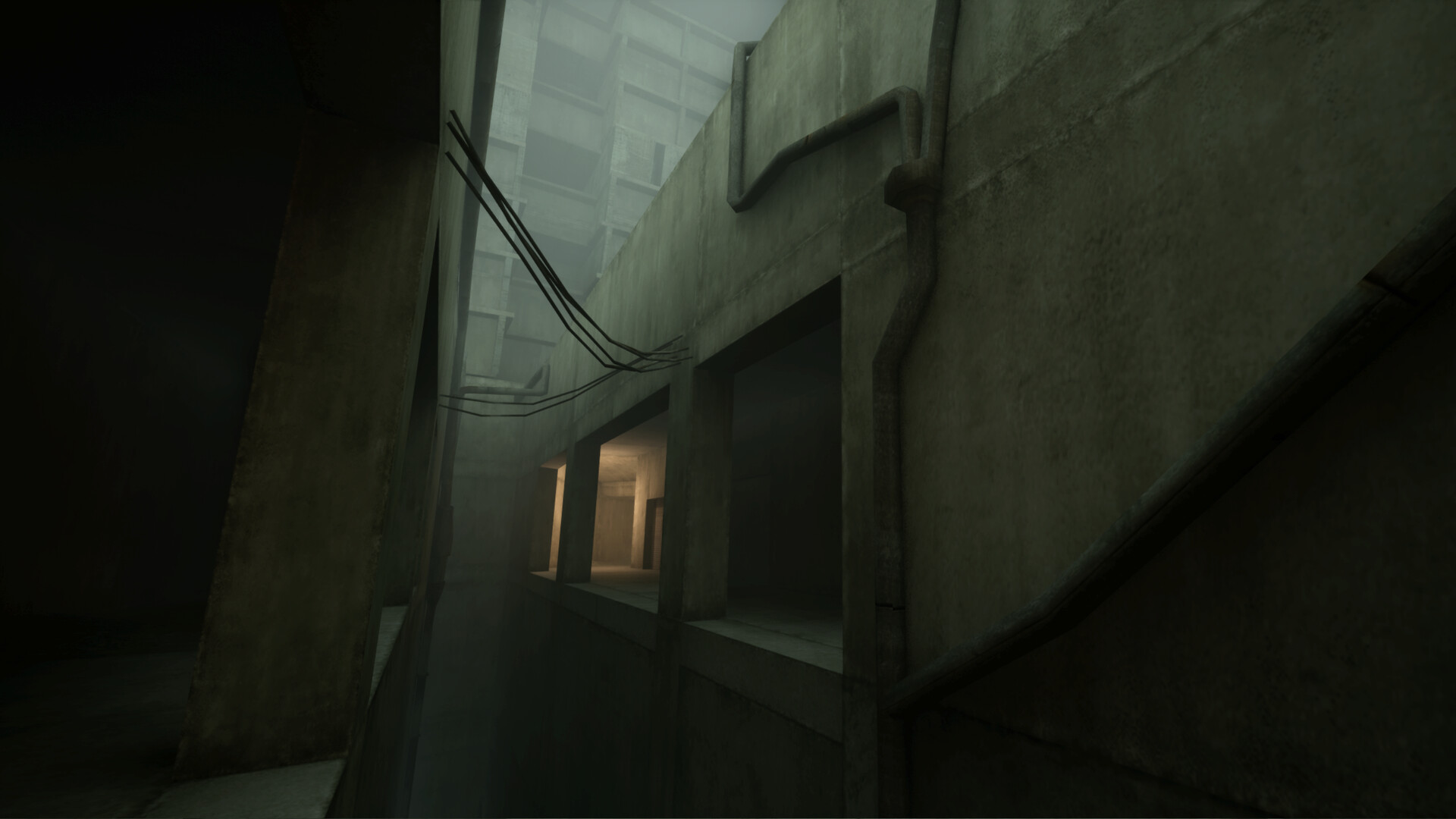
VHOLUME supports Steam Workshop levels. Creators use the official Unreal Engine 5.4 mapping project and VHMap tools to create, test, pack, and publish maps.
VHOLUME supports community-made Steam Workshop levels, and the developer publishes a dedicated mapping project rather than asking creators to modify the retail files by hand. The current workflow uses Unreal Engine 5.4, the VHMap editor plugin, and a VHOLUME runtime bridge to create, test, pack, and publish a map.
Players who only want to run community maps can use the Workshop through Steam. The Unreal project is for creators.
Current creator requirements
| Requirement | Current official value |
|---|---|
| Operating system | Windows 10 or 11 |
| Engine | Unreal Engine 5.4; 5.4.4 recommended |
| Publishing account | Steam account |
| VHMap plugin | 1.0.25 when checked August 27 |
| VHOLUME bridge | 1.0.3 when checked August 27 |
| Mapping project | 1.0.14 when checked August 27 |
The project is under active development. Check the version page before starting a new map because the toolkit, bridge, template content, and packaging rules can change independently.
Create and test a first map
- Download the latest mapping project from the official documentation.
- Extract it to a normal project folder.
- Open
vholumeMapping.uprojectwith Unreal Engine 5.4. - Let VHMap run its setup checklist and build the base release if requested.
- Select New Map so the work lives in its own map plugin.
- Build a simple route with the bundled starter meshes or Unreal modeling tools.
- Keep a Start checkpoint and a Map End Trigger in the level.
- Open VHMap > Play to launch VHOLUME and test the current map.
- Fix the diagnostics before packing and publishing.
Maps created with New Map already contain a floor, player start, Start checkpoint, Map End Trigger, and ambient sound. Building inside DefaultMapTemplate is a mistake: that level belongs to the toolkit and cannot be packed as your map.
What can go into a map
The official starter content includes blockout meshes plus concrete and metal materials. Creators can also import static meshes and textures. The documentation says FBX meshes and PNG, TGA, or JPG textures follow the ordinary Unreal import path.
The current toolchain supports more asset types than its first release, including skeletal meshes, animations, Niagara effects, MetaSounds, curves, foliage types, and several audio and material assets. It still rejects some asset types—such as Blueprints, widget blueprints, animation blueprints, Level Sequences, and data assets—because a package containing unsupported runtime behavior would not load safely.
Use the official version page as the deciding list. Do not copy an old workaround into a newer toolkit without checking whether the restriction or bug has already changed.
Publishing and leaderboard behavior
The official documentation says a newly published Workshop map normally receives its leaderboard automatically within a couple of hours. A Discord bot can claim or add a level sooner.
Updating a published map can clear its leaderboard because older times may no longer be possible on changed geometry. Claim the map through the documented bot workflow before an update if preserving or delaying that reset matters.
Workshop artwork also has a practical limit: the current tool catches images over 1 MB before Steam rejects the entire upload with ERROR 25. If publishing fails, update VHMap and inspect the named image instead of repeatedly repacking the same build.
Player checklist for Workshop maps
- Read the Workshop page for the required game version and dependencies.
- Subscribe through Steam, then let Steam finish downloading before launching the level.
- Treat a custom map's leaderboard separately from official campaign records.
- Recheck the Workshop page after an update; geometry changes can invalidate old routes and times.
- Report a reproducible map issue to the map creator with the map version and a screenshot or video.
For official campaign movement, open VHOLUME speedrun basics. For live sessions and asynchronous route comparison, open multiplayer and ghosts.
Sources
QUICK ANSWERS
Questions players ask next
Does VHOLUME support Steam Workshop maps?
Yes. The developer confirmed Workshop support at launch, and the official mapping documentation explains how to create and publish custom levels.
What do I need to make a VHOLUME map?
The official toolkit currently requires Windows 10 or 11, Unreal Engine 5.4 with 5.4.4 recommended, a Steam account for publishing, and the latest VHOLUME mapping project.
Does a Workshop map get a leaderboard?
Yes. The official documentation says a leaderboard is normally created within a couple of hours after publication. Updating the map can reset that leaderboard.
HELP SHAPE THE NEXT UPDATE
Missing an answer—or found something outdated?
Send the exact game problem, platform, and version. Corrections are reviewed before expansion requests.