
GAME TOPIC
MLB The Show 26 — Controls, Modes, Crossplay, and Update
MLB The Show 26 is a released baseball game on PS5, Xbox Series X|S, and Nintendo Switch, with several modes that need different answers.
EXPLORE THIS GAME
Overview and every live, source-checked section.
Introduction, guides, reviews, updates, and support appear here only when the topic has real content for them.
GAME INTRODUCTION
What to know before you play
MLB The Show 26 is available on PS5, Xbox Series X|S, and Nintendo Switch. It is not listed for PC, and Nintendo describes Switch 2 play as compatibility with the Switch version—not a separate native Switch 2 edition.
Pick the answer you need
- Release date, platforms, PC status, Switch 2 compatibility, and price.
- Crossplay, local and online player limits, and console subscriptions.
- Standard versus Digital Deluxe contents.
- Road to the Show: high school, college, MLB, and Hall of Fame.
- Diamond Dynasty: WBC Mini-Season, Red Diamonds, and Parallel XP 2.0.
- Franchise: Trade Hub, multiplayer trades, and control styles.
- Game Update 16 versions and fixes.
- Aaron Judge and the Team USA cover artwork.
- Official Companion App downloads, Face Scan, Marketplace, squad, and program tools.
- Hitting controls: Zone, Timing, Big Zone, swings, and bunt.
- Pitching controls: pickoffs, step off, deceptive move, and slide step.
- Baserunning controls and how to slide.
- Fielding controls: base throws, cutoff, jump, and dive.
What the game contains
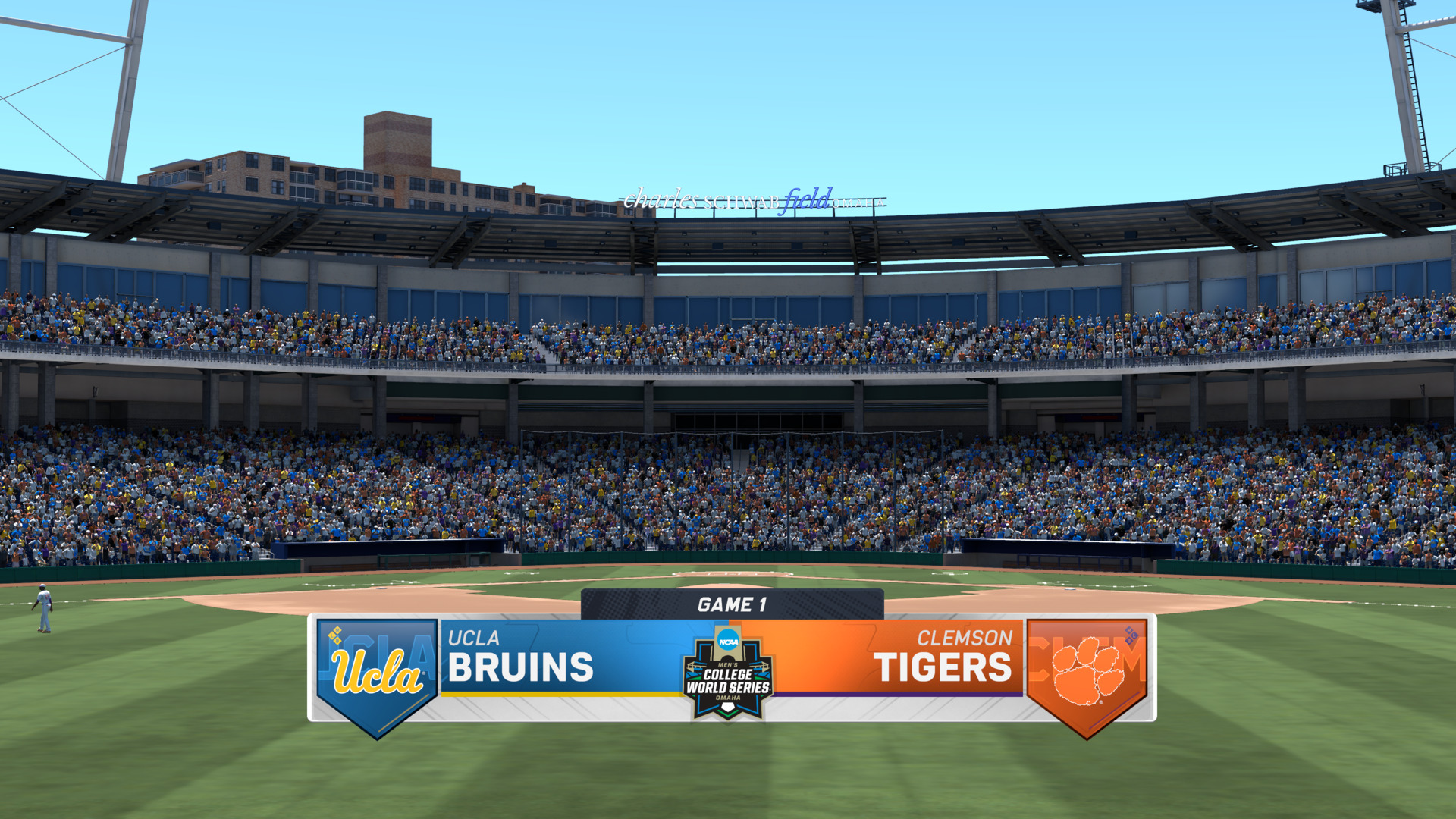
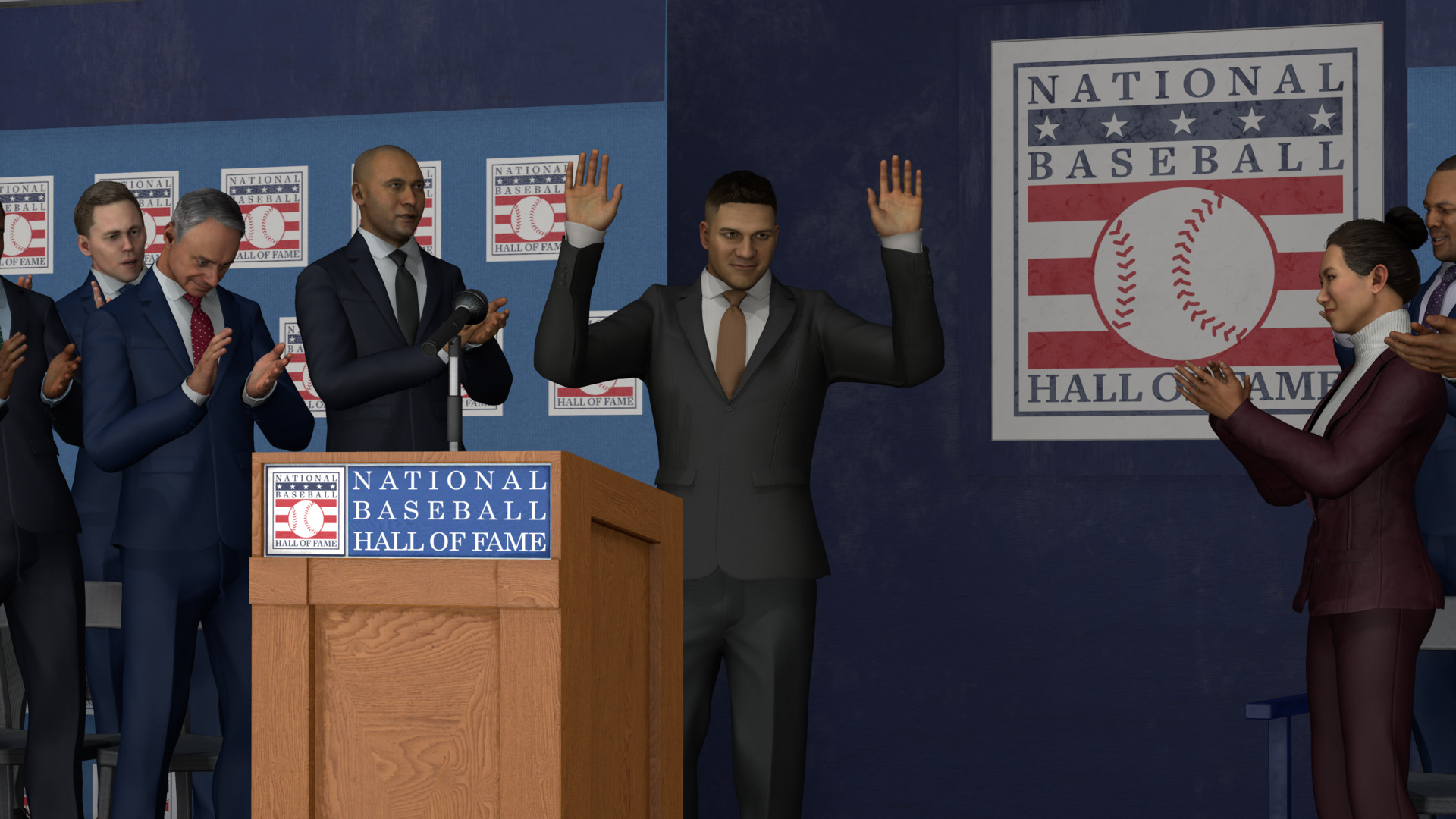
Road to the Show is the created-player career. It starts in high school, can pass through one of up to 19 NCAA programs and the College World Series, then continues through the minor leagues, MLB, and a possible Hall of Fame finish.
Franchise is the team-management route. The 2026 manual adds a Trade Hub, multi-team trades with as many as four teams per side, CPU feedback and counteroffers, and two management styles. Full Control exposes the broader management workload; Streamlined reduces it, and the choice can be changed later.
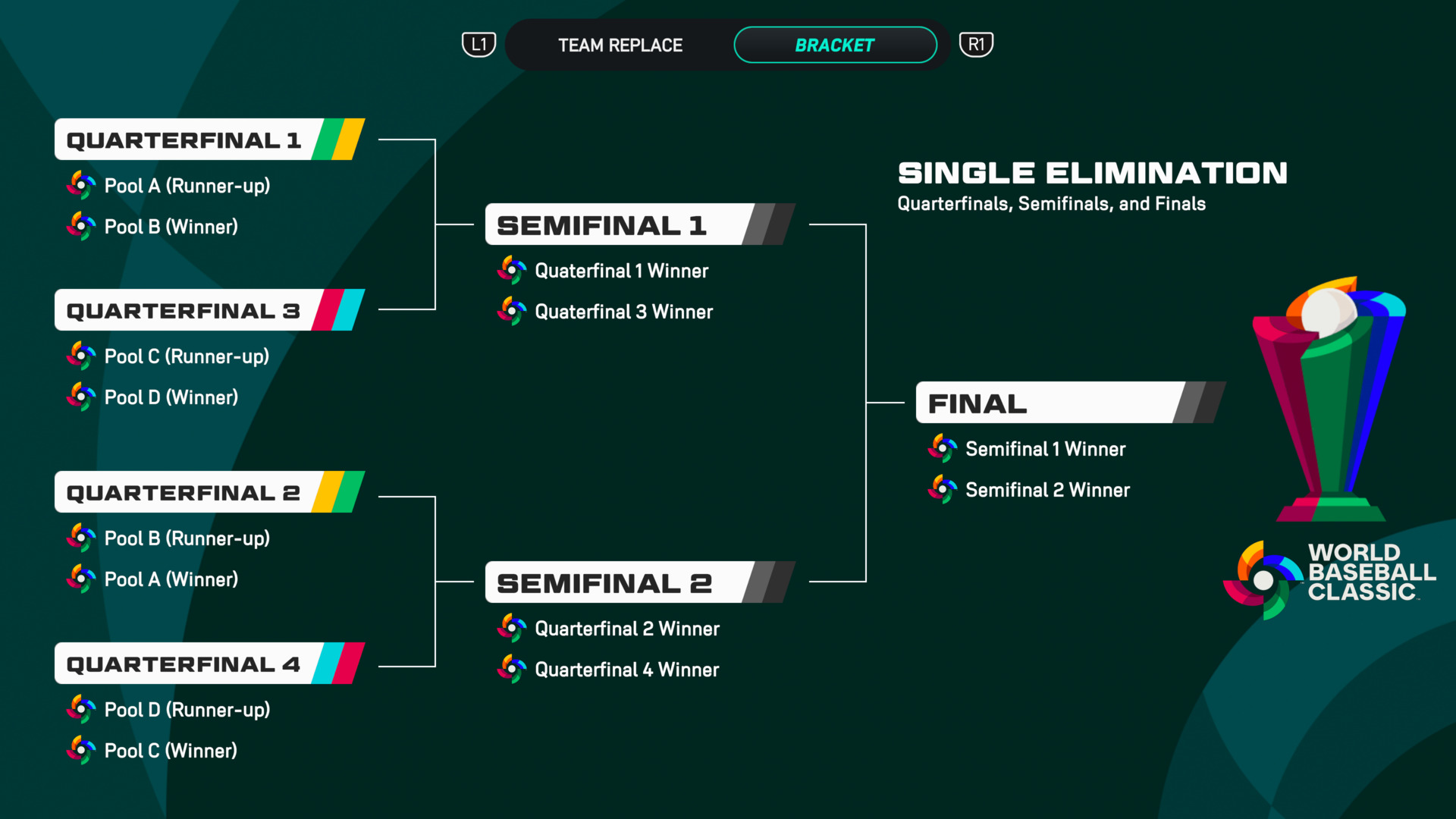
Diamond Dynasty is the card-team mode. Its 2026 changes include a World Baseball Classic Mini-Season, Red Diamond rarity, and Parallel XP 2.0. It requires an online connection across its submodes, while competitive console multiplayer also depends on the platform's paid online service.
| Current US question | Verified answer |
|---|---|
| Launch | March 17, 2026 |
| Platforms | PS5, Xbox Series X|S, Nintendo Switch |
| PC version | Not announced or listed |
| Switch 2 | Compatible Switch version; not a native Switch 2 edition |
| Local players | Up to four where the platform listing supports it |
| Online players | Up to eight in listed modes |
| Latest checked patch | Update 16, deployed August 13 |
| Cover athlete | Aaron Judge in a Team USA uniform |
| July US/Canada PS5 rank | No. 15 |
This site does not publish an invented soundtrack list, a copied player-rating database, or a hands-on review. Ratings and live content can change; a review requires actual play; a soundtrack directory needs a complete current primary source.
Sources & evidenceOpen the references used for this page
OFFICIAL SOURCE MEDIA
See the loop—not another copy of the cover.
Each image comes from a publisher or platform-holder source and is selected to explain a different part of the game.
The official manual separates Road to the Show, Franchise, and Diamond Dynasty into different progression systems.Official media · source listed with the page evidence
Road to the Show begins before the major leagues and can continue through a Hall of Fame career.Official media · source listed with the page evidence
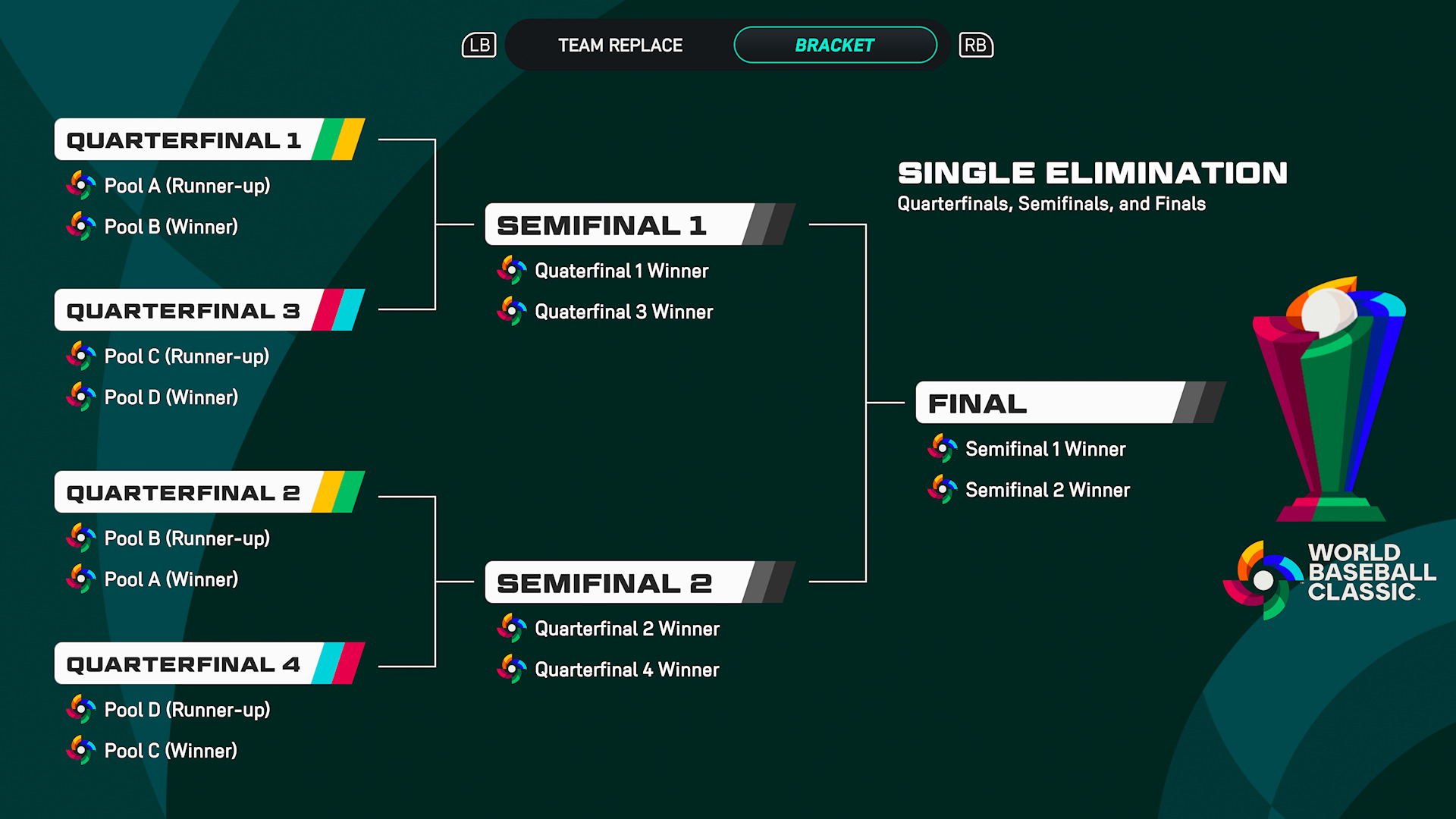
Franchise adds a Trade Hub and a choice between Full Control and Streamlined management.Official media · source listed with the page evidence
OFFICIAL YOUTUBE
MLB The Show 26 Gameplay Update
This developer-published video shows the game in motion. It is source material, not an independent verdict.
Open on YouTube ↗YOUTUBE & COMMUNITY
Go to the source when the answer is still moving.
Official channels establish announcements. Forum threads show current player problems and reports—not developer-confirmed mechanics.
HELP MAINTAIN THIS TOPIC
Ask for coverage—or report something outdated.
Send the game, platform, version, and exact question. Reader feedback guides the next verified page; it is not counted as a player review.