
GAME TOPIC
Big Walk Overview — Crossplay, Join Codes, Voice Chat, and Saves
Big Walk is a released 2–12 player co-op adventure; this hub routes players to verified joining, chat, save, controller, and hardware answers.
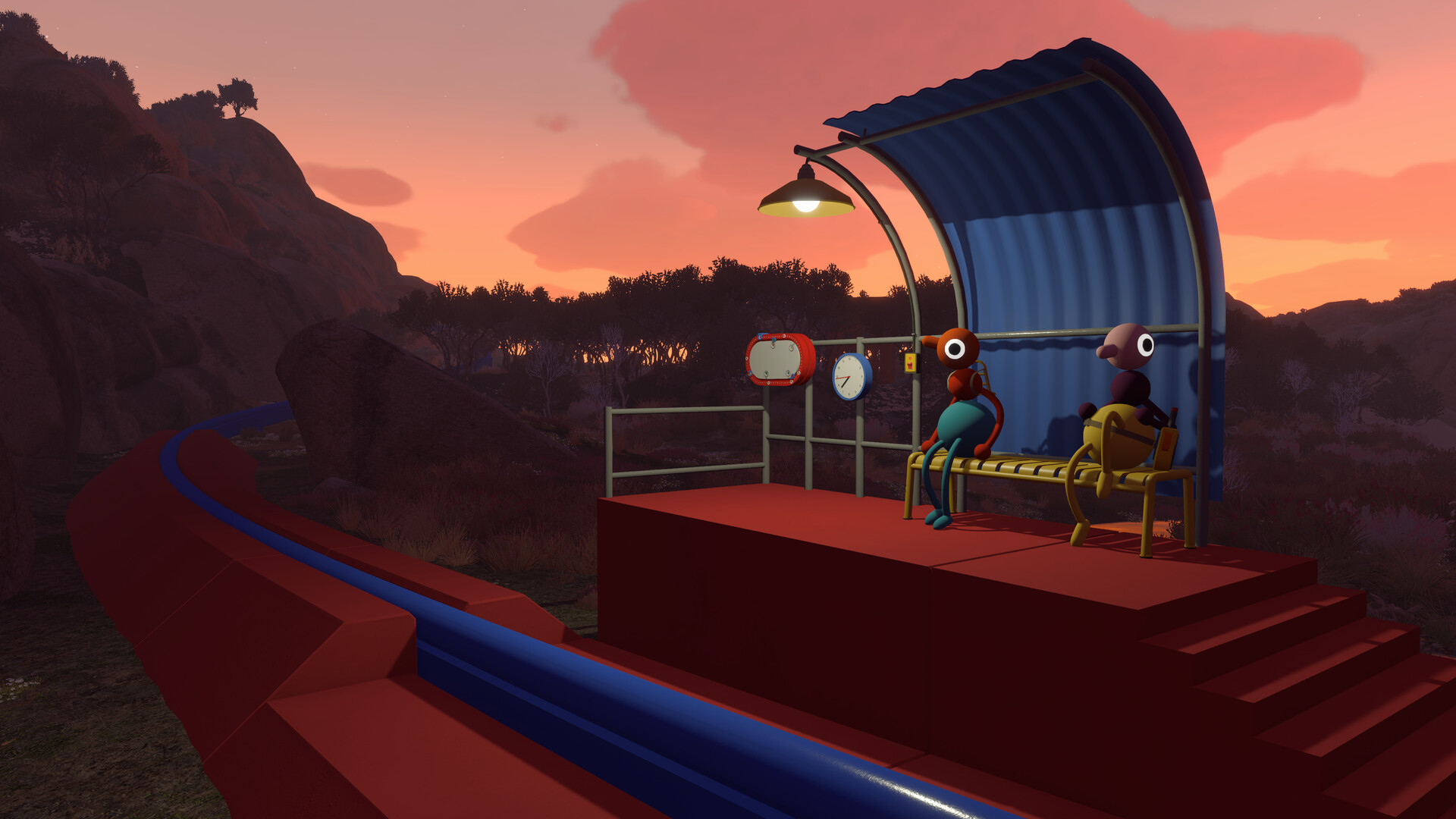
EXPLORE THIS GAME
Overview and every live, source-checked section.
Introduction, guides, reviews, updates, and support appear here only when the topic has real content for them.
GAME INTRODUCTION
What to know before you play
Big Walk is out now for Windows, Mac, PlayStation 5, and Nintendo Switch 2. It is a private-group cooperative adventure for 2–12 players, with crossplay but no public matchmaking and no full solo mode. The host chooses a two-player, three-player, or four-plus version of the world; that setting changes challenge configuration, not the maximum number allowed to join.
Pick the answer you need
- Crossplay, Join Codes, passwords, and connection checks
- Voice chat not working, quiet voices, and echo
- Player count, solo limits, matchmaking, and host-owned saves
- Mac controller and microphone fixes
What makes this game different
Communication is not a layer placed on top of the adventure. Proximity voice and text chat obey distance and environmental barriers, and some challenges deliberately change how the group can communicate. External voice chat will not trigger a punishment, but it removes part of the intended problem-solving structure. Text chat can replace a microphone and keeps the same in-world limitations.
The practical planning decision is who should host. That person keeps the automatic save, must start first, and must return to continue the same journey. A Join Code lets players connect across platforms or without a matching friends-list service. Password protection matters if a code could appear on a stream.
Big Walk also includes challenge skipping, control rebinding, crosshair choices, hold/toggle options, motion-reduction overlays, and adjustable FOV on PC and Mac. Those settings make it more flexible than its communication-heavy design might first suggest.
This dossier does not publish invented puzzle solutions. A useful route needs current-build landmarks, object states, group-size differences, and a clear completion signal. Until that evidence exists, the pages here solve verified setup and support problems.
Sources & evidenceOpen the references used for this page
OFFICIAL SOURCE MEDIA
See the loop—not another copy of the cover.
Each image comes from a publisher or platform-holder source and is selected to explain a different part of the game.
The world changes its challenge setup when the host selects a two-player, three-player, or four-plus-player session.Official media · source listed with the page evidence
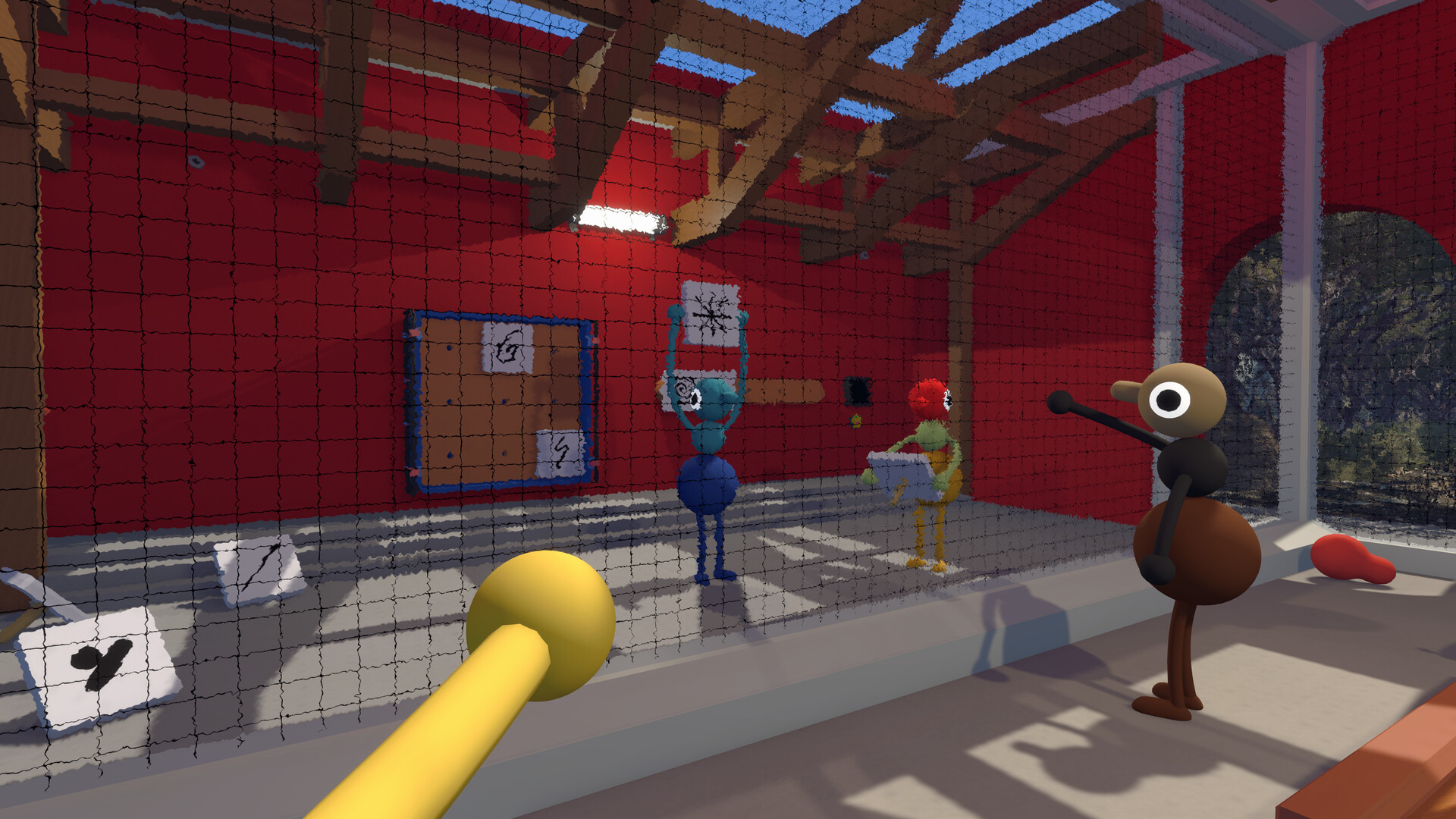
Big Walk is built around communication and teamwork rather than public matchmaking.Official media · source listed with the page evidence
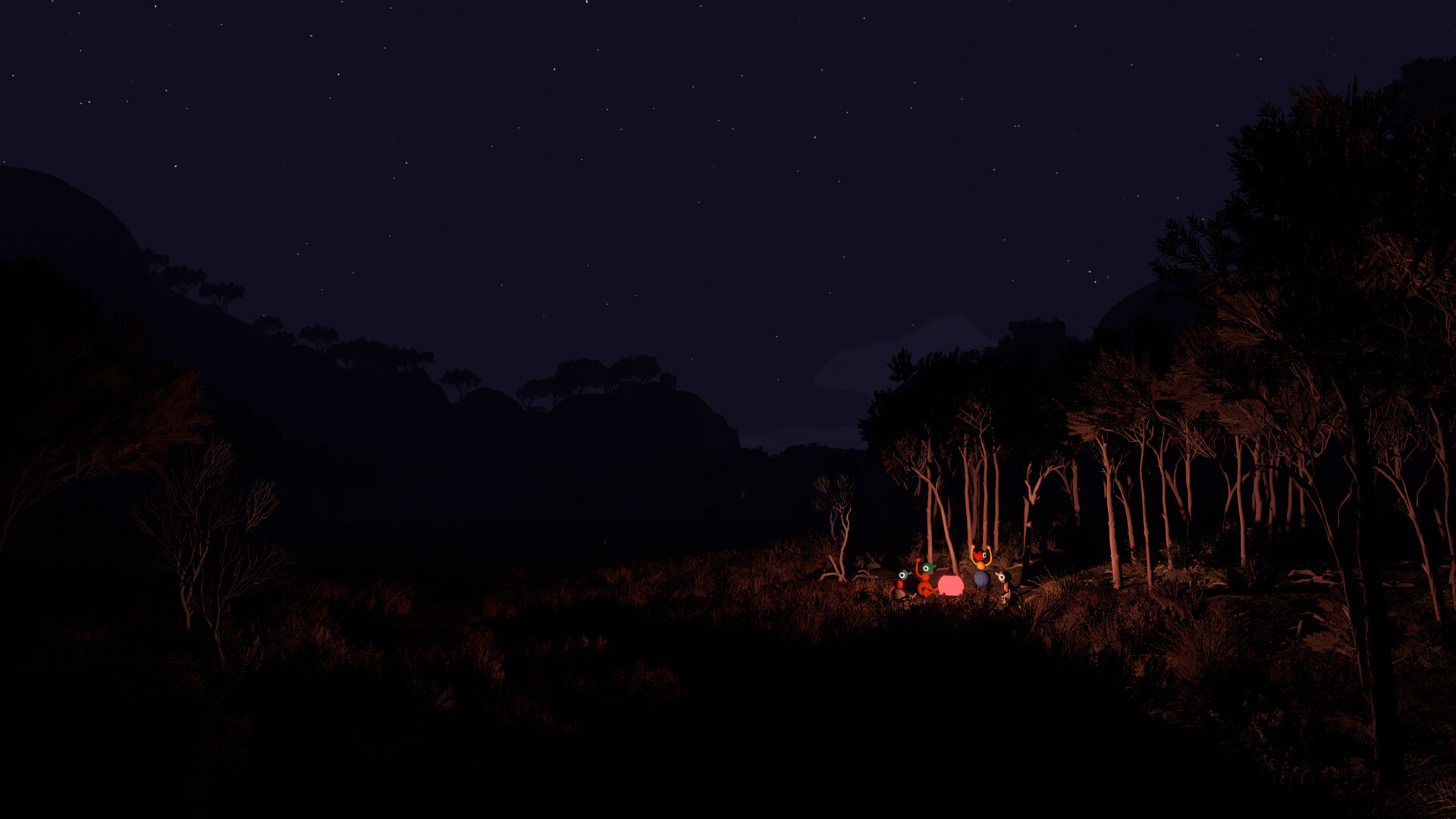
Proximity voice and text chat are part of the game design, including distance and soundproofing limits.Official media · source listed with the page evidence
OFFICIAL VIDEO
See the game in motion.
This developer or storefront-listed media shows the current game. It is source material, not independent review footage.
YOUTUBE & COMMUNITY
Go to the source when the answer is still moving.
Official channels establish announcements. Forum threads show current player problems and reports—not developer-confirmed mechanics.
Current PC player reports; confirmed rules and fixes should still be checked against the developer FAQ.
Open resource ↗FORUM · CHECKED 2026-08-23Big Walk official FAQ and supportHouse House's current answers for joining, chat, saves, accessibility, controllers, and performance.
Open resource ↗HELP MAINTAIN THIS TOPIC
Ask for coverage—or report something outdated.
Send the game, platform, version, and exact question. Reader feedback guides the next verified page; it is not counted as a player review.