
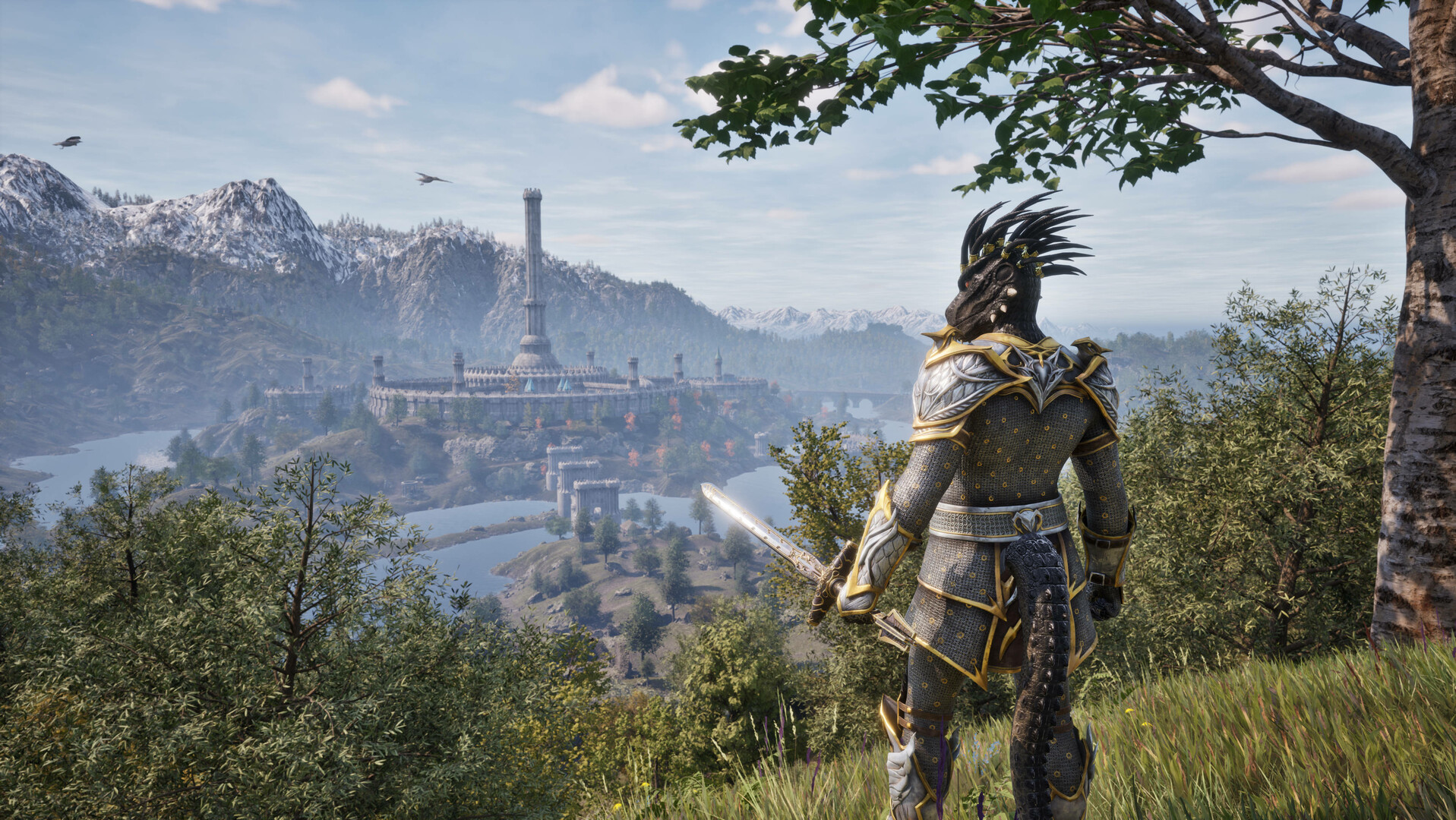
Start a new Remastered character; for PC sync, check Bethesda's default and OneDrive save locations.
Saves from the original The Elder Scrolls IV: Oblivion cannot transfer into Oblivion Remastered. Start a new Remastered character. This is an official compatibility boundary, not a cloud-sync error.
For Remastered PC cloud-sync trouble, Bethesda points to the Documents folder. The default path is C:\Users\YOURUSERNAME\Documents\My Games\Oblivion Remastered\Saved\SaveGames. If OneDrive redirects Documents, check C:\Users\YOURUSERNAME\OneDrive\Documents\My Games\Oblivion Remastered\Saved\SaveGames.
Back up the folder before moving files. Bethesda suggests restoring Documents to the default C: location when the moved folder causes synchronization trouble. Steam Deck users should also confirm a stable connection, current SteamOS, and restart before rechecking sync.
This procedure addresses Remastered cloud files, not converting an original save or merging console and PC progress.
Sources
QUICK ANSWERS
Questions players ask next
Can I import my 2006 Oblivion save?
No. Bethesda says original-game saves are not supported by Remastered.
Where are PC saves stored?
Under Documents/My Games/Oblivion Remastered/Saved/SaveGames, or the corresponding OneDrive Documents path when redirected.
HELP SHAPE THE NEXT UPDATE
Missing an answer—or found something outdated?
Send the exact game problem, platform, and version. Corrections are reviewed before expansion requests.