
Pizza House Simulator co-op
Pizza House Simulator Co-op Guide — Rooms and Join Troubleshooting
A build-aware co-op checklist for a game that is not yet released, with demo fixes separated from launch-day evidence.
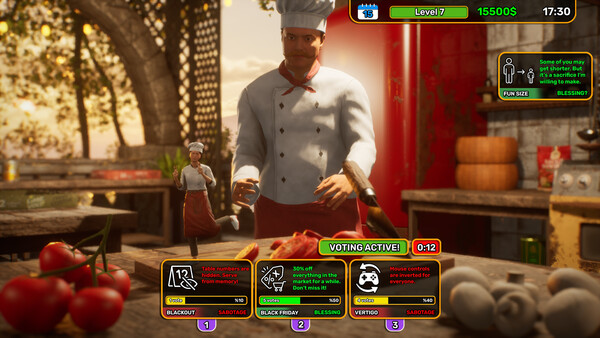
The official Steam listing advertises online co-op for up to six players, but the full game is scheduled for August 19, 2026. That means a useful co-op guide has to be explicit about its evidence: the store is a launch promise, while the detailed join notes below come from the official demo update and must be rechecked after release.
Before opening a room
- Update the game and Steam client on every machine. Record the visible game version before testing; “same version” is not an assumption you can recover after a failed session.
- Start with one host and one guest. A two-player test makes it easier to tell whether the problem is room creation, an invite, or a full lobby.
- Use the game's own multiplayer entry point first. The demo update says Steam co-op invites were added, but it does not prove that every launch-build invite path has the same wording or buttons.
- Keep the first test short. Confirm that both players can see the restaurant, pick up the same category of item, and complete one order before inviting the rest of the group.
If the room is visible but joining fails
Recreate the room once and write down the exact error instead of cycling through random fixes. The official demo community update specifically mentions a previous “session found but can't join” issue and says joining by code was corrected. That is strong evidence that the developers have worked on this class of bug; it is not evidence that an old code-based workaround should be required in the full release.
Use this order for a reproducible check:
- close and relaunch the game on both sides;
- verify neither player is on a test branch or different build;
- create a fresh room rather than reusing a stale lobby;
- try the official Steam invite path once;
- if the game exposes a room code, test that code once and save the error text;
- test a second host to separate a host-network problem from a guest problem.
Do not publish a claim such as “Steam invites are broken” from one failed attempt. Record the date, build, host/guest roles, region, and whether the failure happened before or after the restaurant loaded. That turns a vague complaint into a useful bug report and gives the next guide update something that can be checked.
What not to copy from the demo
The June demo update also mentions a portable order tablet, solo pause behavior, and fixes for disappearing dough, stuck held items, save/load money, and counter collisions. These are valuable clues for what players may ask about, but they belong to the demo's patch history. The launch build may change the menu, the lobby flow, or the underlying fix. Keep a screenshot and build number before turning any of these observations into a permanent troubleshooting step.
Sources
- Pizza House Simulator on Steam
- Pizza House Simulator official Steam Community
- Pizza House Simulator Demo on Steam
Quick answers
How many people can play Pizza House Simulator co-op?
The Steam store advertises online co-op for up to six players. This page does not assume that a demo lobby or a launch lobby uses the same limits until the full build is tested.
What should I do if a friend cannot join?
First make sure every player is on the same public build, then recreate the room and record the exact error. The official demo update mentions a previous session-join fix, so old workarounds should not be treated as permanent rules.