
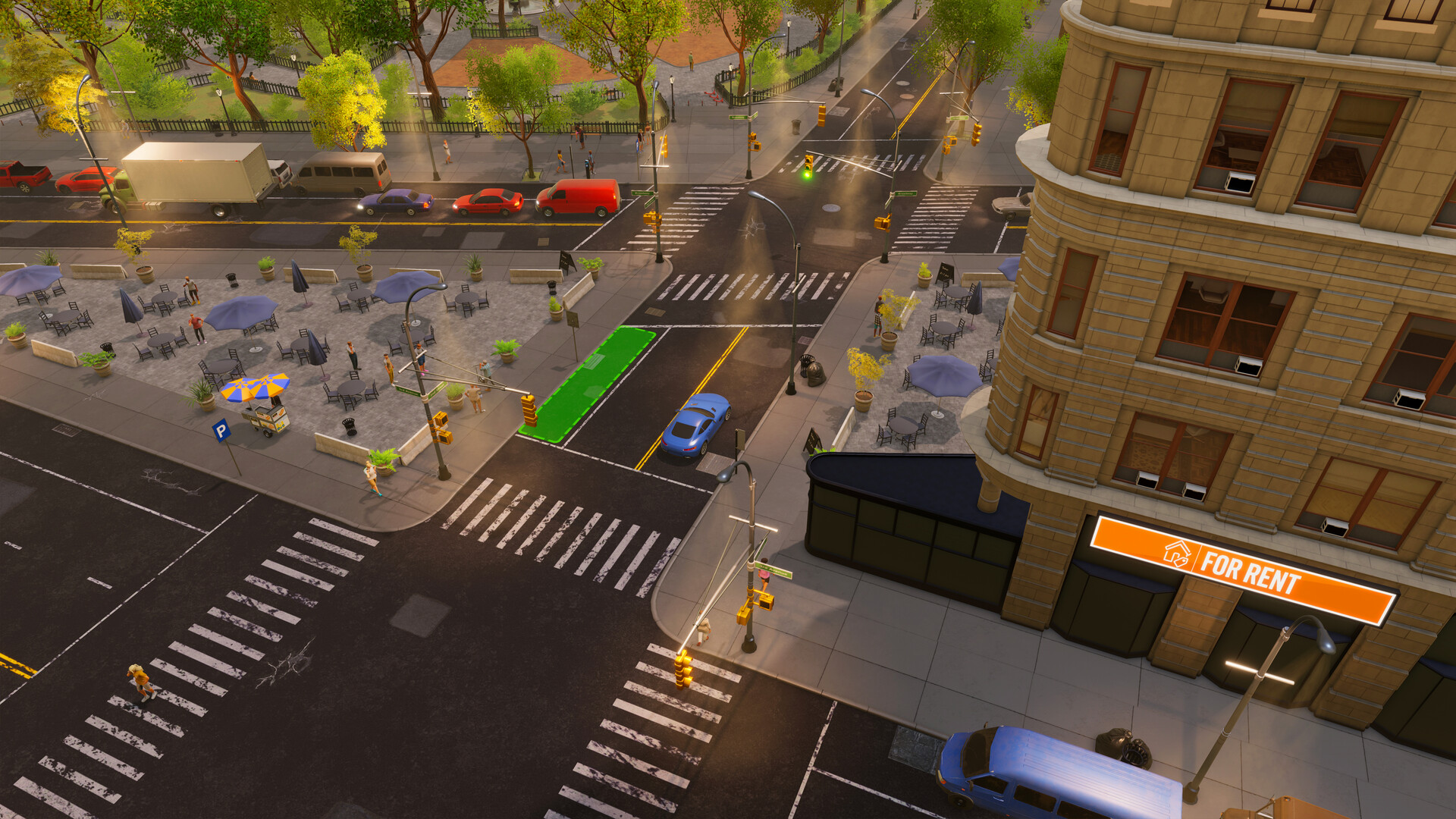
A source-bounded route from creator to installation, including the community-reported factory installer and a symptom-based loading checklist.
Use the main-menu Blueprint Creator to build or edit a layout, use the in-game Blueprint library to save a community layout, and hire the installer shown for the exact property type in your live map or F1 guide. A factory-era community reply identifies Stonegood Architecture for factory and warehouse layouts; the developer confirms those warehouse layouts have factory blueprints but does not independently name the installer.
Choose the route you need
| Your task | Start here | Ready to continue when |
|---|---|---|
| Build a layout from scratch | Main menu → Blueprints → Open Blueprint Creator | The layout is saved in your library for the intended building code |
| Save a layout from an active property | Open Interior Designer inside the property and save the layout as a blueprint | The saved layout appears in your in-game library |
| Use a community layout | Open the in-game Blueprint gallery/library and add or sync it there | It appears under the exact target building type |
| Install a layout | Load the save, select the matching property, then contact the correct installation firm | The firm lists both the property and the saved blueprint |
The developer explicitly says the full Blueprint Creator is opened from the main menu. A later player explanation distinguishes that editor from saving the current interior through Interior Designer; treat those as separate actions.
Install a blueprint without losing the route
- From the main menu, open Blueprints.
- Use the button in the upper-left area to open the Blueprint Creator.
- For a community layout, search the in-game Blueprint gallery and add or sync the layout into My Library. Merely subscribing on its Steam Workshop page is not the complete in-game workflow described by the developer.
- Load the save and rent or own a compatible property.
- Open the matching installer, then verify the property, compatible blueprint, installation date, and quoted price shown in the live confirmation screen before proceeding.
The developer says the creator itself is not available while loaded into a save, although installation is.
Which installation firm to use
| Property | Firm |
|---|---|
| Retail store | Kristian Bahood |
| Office | Kingdom Office |
| Residential property | Nugem |
| Factory or factory-era warehouse layout | Stonegood Architecture (community-reported; verify the live label) |
The Kristian Bahood warehouse answer comes from a pre-factory-revamp developer reply. In a later factory-era discussion, a community reply identifies Stonegood for factory/warehouse blueprints; the developer separately confirms that factory blueprints exist for the new warehouse layouts but does not name the installer. Follow the live map or F1 label if it differs from this version-bounded guidance.
A layout for one building code cannot be installed into a different code just because the floor area looks similar. Filter the library by the target building before blaming the Workshop or installer.
Version compatibility after mod support
EA 0.11 changed blueprint data to support mods. Opening the Blueprints panel in that version updated blueprint data, and the official note warns that an updated blueprint cannot be opened in previous versions. The update also added a game-version filter and removed “ghost” factory workstations that appeared in a list but were not installed.
For a 1.0 save:
- prefer a blueprint marked for the current version;
- inspect required mods before installation;
- do not assume an old factory blueprint still reflects the current factory system;
- keep an important save backed up before testing a heavily modded layout.
Fix the exact failure you see
| Symptom | Most useful first check | Why |
|---|---|---|
| Layout exists on Steam but not in game | Add/sync it through the in-game Blueprint gallery or library | Direct Workshop subscription was not the full supported route in the developer answer |
| Layout appears, but the installer does not list it | Match the building code, version, property category, and installer | Installers and libraries filter incompatible layouts |
| Factory or warehouse plan never appears | Check the live installer label, then filter for the exact warehouse layout; the cited community answer points to Stonegood | Factory-era layouts moved beyond the older three-firm matrix, but the developer did not directly name Stonegood |
| Screen spins and menu labels show broken field text | Steam → Properties → Installed Files → Verify integrity of game files | The developer tied that symptom to corrupted game files in one reproduced report |
| Old blueprint vanished after an update | Check the version filter and required mods | 0.11 changed blueprint data and made the update one-way for older builds |
| Correct unmodded 1.0 layout still fails | Record the blueprint URL, building code, firm, version, and screenshot, then file an F2 report | Those details separate a compatibility problem from a service or game bug |
Before filing a report, check in this order:
- You saved it through the in-game blueprint interface.
- The target property has the same building type/size.
- You are using the correct installation firm.
- The blueprint's version filter matches 1.0.
- Required Workshop mods are installed and current.
- If labels or dropdowns are corrupted, verify installed files in Steam.
- Restart, retest without optional mods, then use F2 to file a reproducible bug report if the base-game workflow still fails.
Return to the Big Ambitions guide index, or use the current factory setup guide before installing a production layout.
Sources & evidenceOpen the references used for this page
QUICK ANSWERS
Questions players ask next
Why can an installation firm not use my Big Ambitions blueprint?
Confirm the exact building type and game version first. A cited factory-era community answer points to Stonegood Architecture for factory and warehouse layouts, while older developer guidance names Kristian Bahood for retail work; verify the live map or F1 label before paying.
Why is a subscribed Big Ambitions blueprint not showing in game?
Open the in-game Blueprints gallery or library and add or sync the layout there. A Steam Workshop subscription by itself was not the complete supported workflow in the cited developer guidance.
Why does the blueprint screen load forever?
Check the building type and version first. If menus show broken field labels or other corrupted text, verify the game's installed files in Steam before retrying.
HELP SHAPE THE NEXT UPDATE
Missing an answer—or found something outdated?
Send the exact game problem, platform, and version. Corrections are reviewed before expansion requests.