
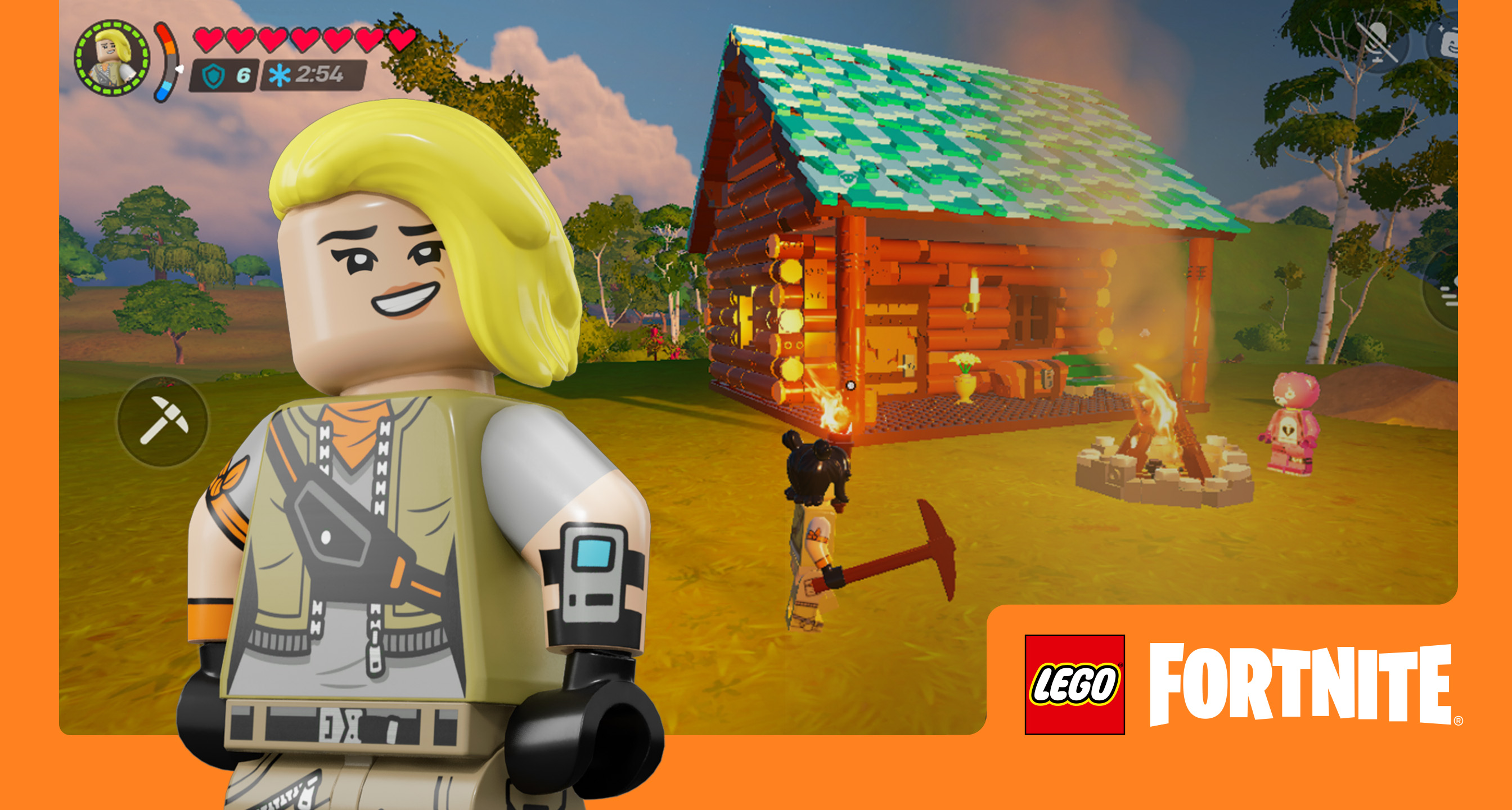
US players can install Fortnite through Epic on Windows, the App Store on iPhone and iPad, and Google Play or Epic Games Store on Android; Mac needs a cloud-gaming service for the current live version.
In the United States, install Fortnite from Epic on Windows, the Apple App Store on iPhone or iPad, and Google Play or Epic Games Store on Android. A Mac does not have a current native Fortnite build; use an official cloud-gaming route for the live game.
Official route by device
| Device | Current US route | What to avoid |
|---|---|---|
| Windows PC | Epic's Fortnite download page and the Epic Games Launcher | Third-party launchers and repacked installers |
| iPhone or iPad | Fortnite's Apple App Store listing reached from Epic's mobile page | Old sideload instructions written for another region |
| Android | Google Play or the Epic Games Store mobile app | APK mirrors and modified clients |
| Mac | Xbox Cloud Gaming, NVIDIA GeForce NOW, or Amazon Luna | Treating the old native Mac client as the current live build |
The country matters on mobile. A guide written for the European Union can point to a different iPhone installation path than a player in the United States. Start from Epic's device selector and let the official page send the device to the current regional storefront.
Windows PC
Open Fortnite's official download page, choose PC, and install the Epic Games Launcher. Sign in to the Epic account that owns the progress and purchases you want to use, then install Fortnite from the launcher library.
Fortnite's current PC client requires native Windows. Epic does not support Windows running through Parallels, Linux, or a virtual machine. Before a large download, compare the computer with the official Fortnite PC requirements.
iPhone and iPad in the United States
Use Epic's Fortnite mobile page and continue to the Apple App Store. This is the relevant route for a US Apple account; do not copy an EU-only sideload process or install a profile from an unrelated website.
If the App Store page says the device or operating-system version is unsupported, that is a compatibility result—not a reason to install an unknown package. The cloud services listed in the Mac section can also provide a browser-based alternative on supported devices.
Android in the United States
Fortnite has two official Android paths: Google Play and Epic's own Epic Games Store mobile app. Use one of those publishers' pages.
An APK mirror adds a source you cannot verify and may lag behind the live build. If an Android device is not accepted by either official route, check its Android version, storage and hardware support instead of forcing a modified installer.
Mac and MacBook
The native Mac client is not the current live Fortnite experience. Epic's support route for current play on macOS is cloud gaming: Xbox Cloud Gaming, NVIDIA GeForce NOW, or Amazon Luna.
Cloud gaming runs the current remote game build and streams it to the Mac. It depends on the service's region, account rules and connection quality. Installing Windows through Parallels does not turn the Mac into a supported Fortnite PC target.
If the official download still fails
- Confirm that the Epic, Apple or Google account country is the United States.
- Check that the device and operating system meet the storefront requirement.
- Leave enough free storage for both the install and later updates.
- Check Epic Games Public Status before repeatedly reinstalling.
- If the game installs but the account or party fails, use the Fortnite server-status checklist or crossplay support page.
Sources & evidenceOpen the references used for this page
QUICK ANSWERS
Questions players ask next
Where can I download Fortnite on PC?
Download the Epic Games Launcher from Epic, install it on a supported Windows PC, and install Fortnite from the launcher library.
Is Fortnite available on iPhone and iPad in the United States?
Yes. In the United States, use Fortnite's official Apple App Store listing. Availability and device requirements can change, so follow Epic's download page rather than an old installation article.
Where can I download Fortnite on Android?
In the United States, use the official Google Play listing or Epic's own Epic Games Store app for Android. Do not use an APK mirror.
Can you play the current Fortnite version on Mac?
Epic does not provide a current native macOS build. Use a supported cloud-gaming service such as Xbox Cloud Gaming, NVIDIA GeForce NOW, or Amazon Luna if you want the current live version on a Mac.
HELP SHAPE THE NEXT UPDATE
Missing an answer—or found something outdated?
Send the exact game problem, platform, and version. Corrections are reviewed before expansion requests.