
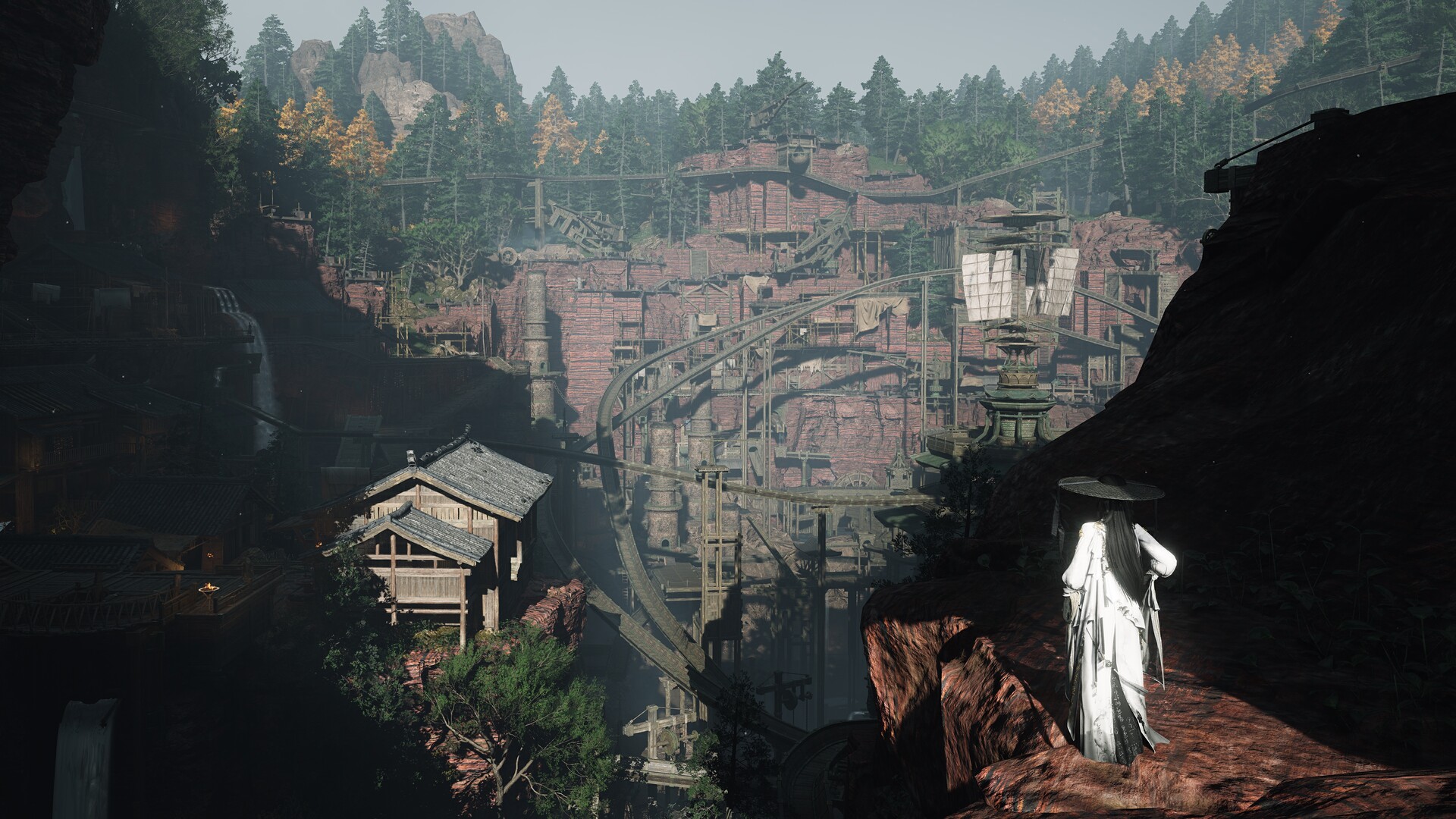
The exact touch, mouse, and controller changes in the August 20 patch.
Version 2.1 adds direct zoom and continuous controller adjustment to Where Winds Meet Build Mode. Touchscreens use two-finger pinch-to-zoom, while mouse users can zoom with the scroll wheel.
Current controls
| Input | Version 2.1 behavior |
|---|---|
| Touchscreen | Two-finger pinch-to-zoom in Free Camera and Bird's-Eye Camera |
| Mouse | Scroll-wheel zoom in Free Camera and Bird's-Eye Camera |
| Controller | Hold LB or RB for continuous camera adjustment and building rotation |
The patch changes Build Mode specifically. It does not state that LB/RB now behaves the same way in combat, exploration, or other menus.
Related Homestead change
The same update improves the Retainer dispatch candidate list in the Homestead so status is easier to read. That is a display and selection improvement, not a change to the published dispatch reward rules.
Sources & evidenceOpen the references used for this page
QUICK ANSWERS
Questions players ask next
How do I zoom in Build Mode on PC?
Use the mouse scroll wheel in Free Camera or Bird's-Eye Camera.
Can LB and RB be held for continuous adjustment?
Yes. Version 2.1 adds hold input for camera adjustment and building rotation.
HELP SHAPE THE NEXT UPDATE
Missing an answer—or found something outdated?
Send the exact game problem, platform, and version. Corrections are reviewed before expansion requests.