
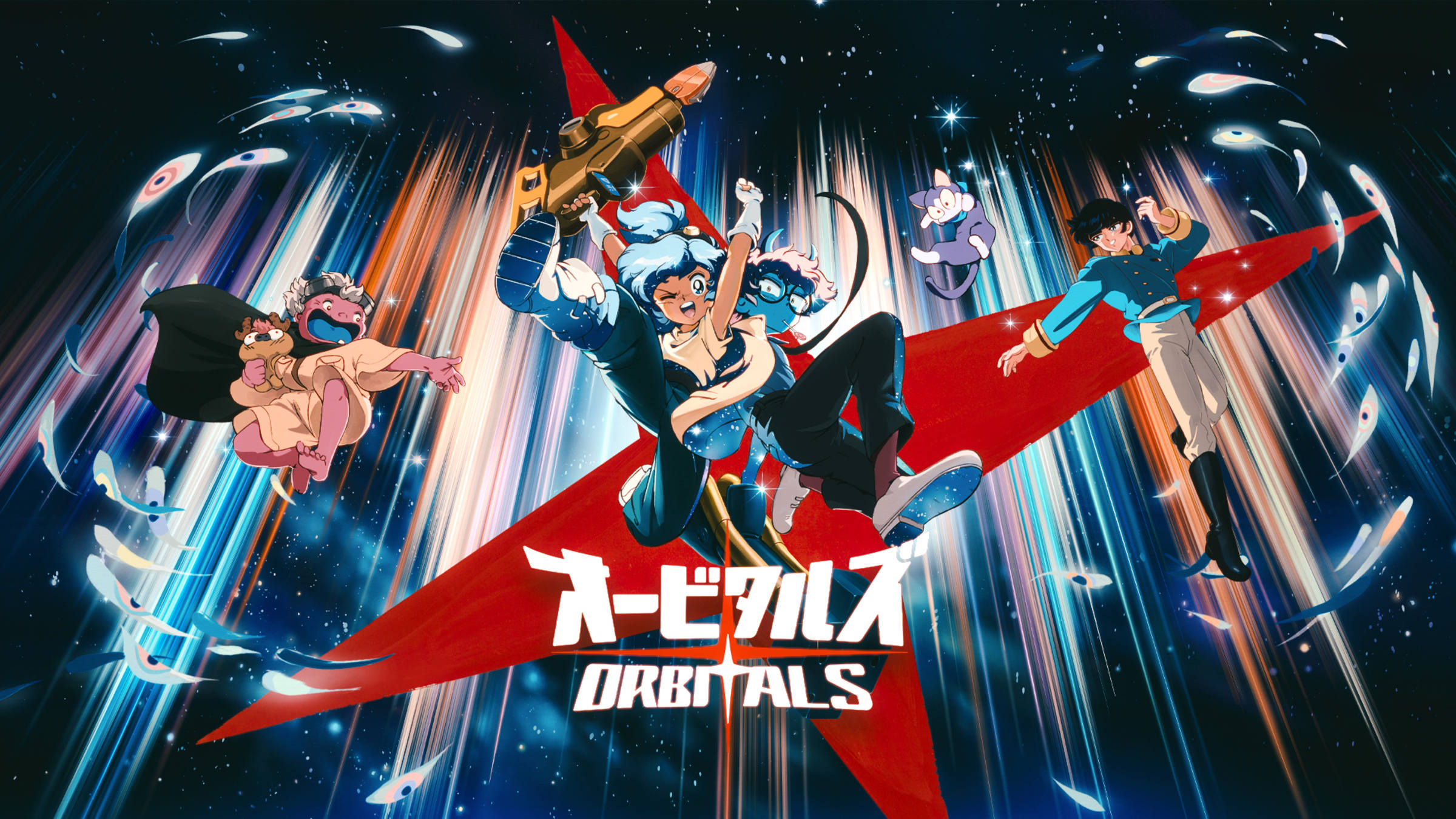
Online sessions require Nintendo Switch Online; cloud saves and family lending are supported under Nintendo's account and eligibility rules.
Orbitals requires Nintendo Switch Online for internet play and supports Save Data Cloud. Nintendo also lists online GameShare and eligible family-group game lending.
- Use Nintendo Switch Online for internet sessions and Save Data Cloud.
- Use GameShare only when both systems and accounts meet its GameChat requirements.
- Treat family lending as temporary access, not a second permanent license or shared save.
These labels solve different needs. Nintendo Switch Online authorizes online gameplay and cloud backup. GameShare lets a supported partner join a session through Nintendo's sharing system. Family lending temporarily lends an eligible digital game under Nintendo's family-group rules; it does not create a second permanent purchase.
Online GameShare relies on GameChat, so an account or system that cannot use GameChat should consider the Global Friend's Pass path instead. Local split screen does not need an online session but still uses one Switch 2 and two players.
Cloud-save support protects compatible progress but does not promise that both partners own or can independently continue the same save. Final hosting and save behavior should be checked in Nintendo or developer support when the game releases.
Sources & evidenceOpen the references used for this page
QUICK ANSWERS
Questions players ask next
Does Orbitals support cloud saves?
Yes. Nintendo lists Save Data Cloud support.
HELP SHAPE THE NEXT UPDATE
Missing an answer—or found something outdated?
Send the exact game problem, platform, and version. Corrections are reviewed before expansion requests.