
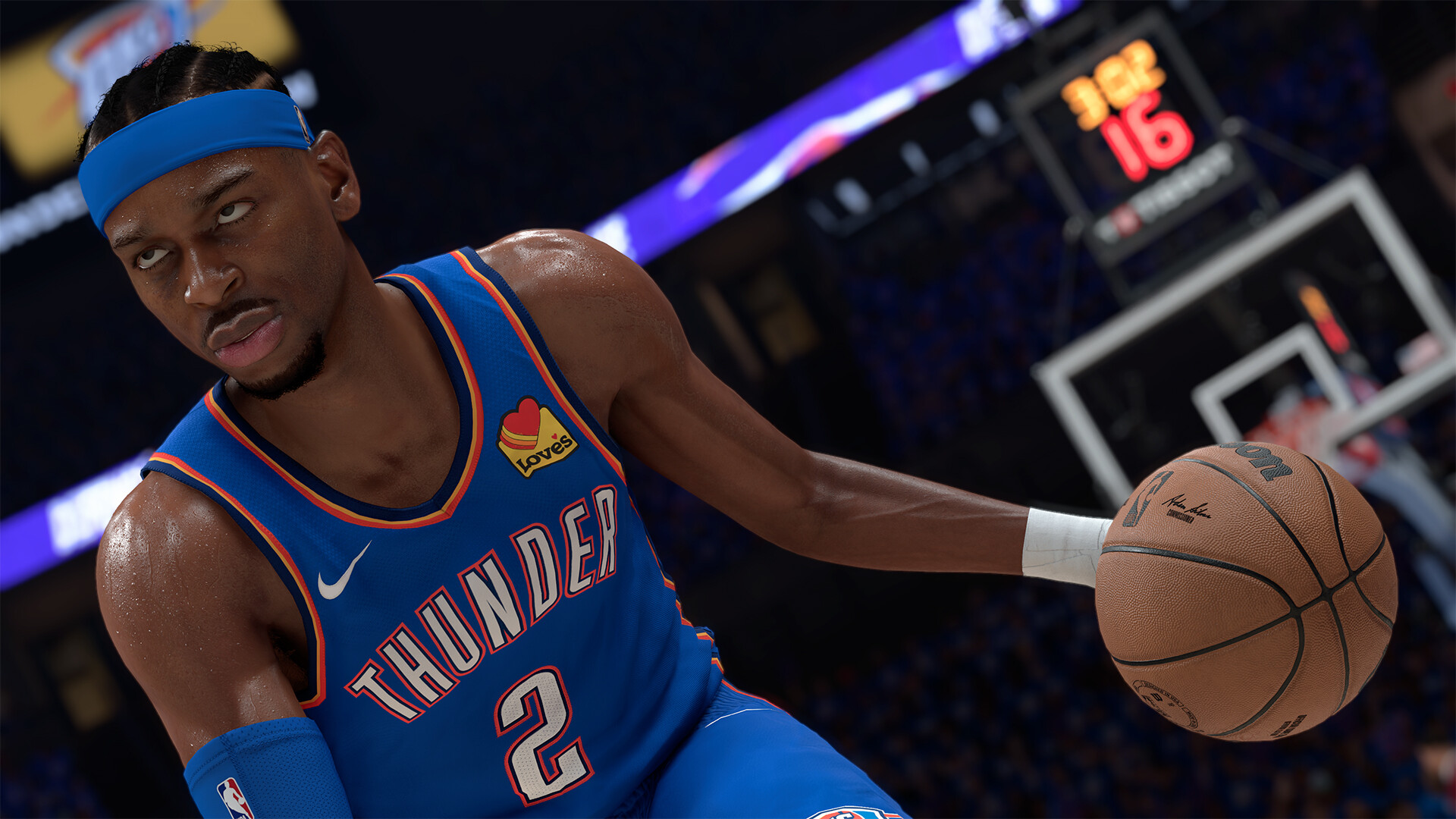
Redeem codes inside the relevant mode and treat every code as dated; this page does not label an unverified aggregator list active.
Redeem an NBA 2K26 code in MyTEAM through Market → Locker Codes, or in MyCAREER through Options/Quit while inside the Neighborhood or City. Enter the characters exactly as published.
Before trusting an “active” code
- Confirm the source is an official NBA 2K or 2K channel.
- Confirm it names NBA 2K26 rather than 2K25 or 2K27.
- Check the target mode and platform or account restrictions.
- Look for a publication date and expiration date.
- Use the correct linked NBA 2K account and check child-account permissions.
If redemption fails, re-enter hyphens and similar-looking letters or digits, then check whether the account already claimed it. An expired promotional code cannot be repaired through reinstalling the game.
This page intentionally does not copy an “active locker codes” list from third-party aggregators. A code can expire while the article remains indexed, creating a high-click but low-value result. A future code will be listed only with its official source, reward, mode, checked time, and expiry.
Sources & evidenceOpen the references used for this page
QUICK ANSWERS
Questions players ask next
Where are locker codes entered?
In MyTEAM, open Market then Locker Codes. In MyCAREER, open Options/Quit while in the Neighborhood or City.
Why does a code say invalid?
It may be expired, already redeemed, mistyped, for another game or mode, region-limited, or blocked by account permissions.
Does this page list active codes?
It lists none without a dated official 2K source and successful current verification.
HELP SHAPE THE NEXT UPDATE
Missing an answer—or found something outdated?
Send the exact game problem, platform, and version. Corrections are reviewed before expansion requests.